

Adobe Illustrator CC 2026
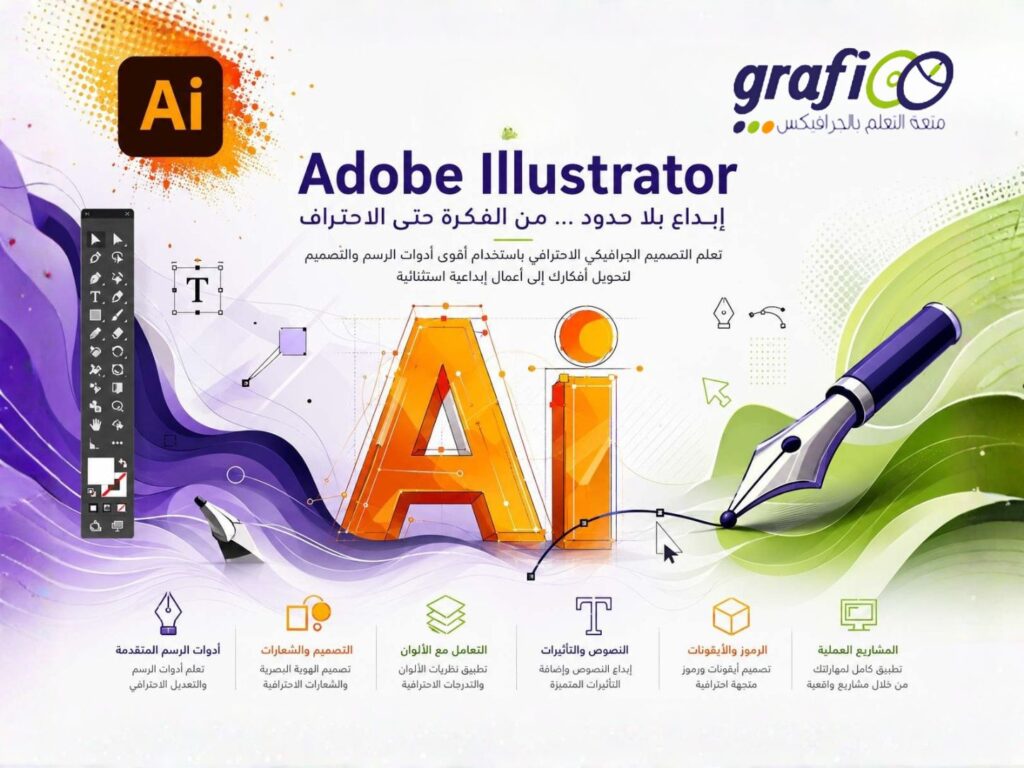
Description
Adobe Illustrator CC 2026
Adobe Photoshop Essentials course will teach you Illustrator , The Most powerful tool for Vector Shapes and Drawing .
What You Will learn
- You will be able to add Illustrator to your CV
- You will be able to start earning money from your Illustrator Skills.
- You will have over 30 of your own projects to add to your portfolio.
- Feel comfortable using Adobe Illustrator to design your own graphics from scratch.
- Navigate Adobe Illustrator CC like a pro.
- Design your own graphics, without any experience.
- Draw beginner to advanced shapes and icons.
- Learn all of the key skills of Illustrator: shapes, text, masking, effects, and exporting.
- Master advanced Illustrator tools and techniques.
- Export your projects for print, web, or other design projects.
- Make your ideas come to life.
- Create your own logos.
- Draw existing famous logos.
- Illustrate animals.
- Draw with paint brushes.
- Draw with pens & pencils.
- Create custom typography.
- Take hand drawings and recreate them using Illustrator.
- Create a logo badge with text that wraps around.
- Create type that follows a curving line.
- Put images inside of text for cool effects.
- Create beautiful gradients and apply them to icons, text & illustrations.
- Find the secrets to choosing color combinations for your work.
- Create a paper cut effect.
- Pull, push & cut text to make interesting styles.
- Repeat patterns to create vector flowers.
- You will redraw yourself as an illustration.
- Create many different icons styles.
- Build a repeating pattern to be used as wallpaper or fabric designs.
- Find many templates for posters, stationery & UI designs to save you time.
- You’ll build create assets like colors, patterns & drawings using the Illustrator mobile app.
Course Outlines
Drawing
- How to draw rounded rectangles triangles & tracing images in Illustrator
- How to draw lines arcs & stars in Illustrator
- Scaling Stroke & Effects & Corners
- Saving to the Creative Cloud versus locally on my desktop
- Exporting your images 101
- How to draw using the Shape Builder tool in Adobe Illustrator CC
- Completed – Class Project 02 – Icons Using the Shape Builder
- How to use layers in Illustrator
- Align distribute rotation & math in fields – Impossible Triangle
Artificial Intelligence
- How to use Text to Vector in Illustrator
Pen & Curvature Tool
- How to draw anything using the Curvature Tool in Adobe Illustrator
- Mixture of curves and straight lines using the Curvature tool
- Combining shapes curvature & shape builder tools into Fox shadows
- How to draw using the Pen Tool in Adobe Illustrator CC
- Dan tidying up students work
- Awake Fox Combining Tools & Skill Stacking
- AI Generative Recolor
- How to make a Mood Board in Illustrator
- T-Shirt Making
Stroke, Pencil & Brushes
- Drawing with the Pencil Tool in Adobe Illustrator CC
- Adjust your stroke corners profile and mitres
- How to make an arrow in Illustrator
- How to Make a Dotted or Dashed in Illustrator
- How to use Brushes in Adobe Illustrator CC
- How to Simplify paths in Illustrator
- How to draw lines with the Width Tool in Adobe Illustrator
- How to Join two lines together in Illustrator
- How to use Intertwine in Illustrator
- How to Expand Appearance in Illustrator
Type & Fonts1
- How to create a postcard document in Illustrator
- How to add type in Illustrator us Area vs Point text
- How to pick fonts in Illustrator
- How to use Adobe Fonts in Illustrator
- How to make Adobe Font Pairing
- How to find & use Glyphs in Illustrator
- How to curve text in Illustrator
- How to put type around a circle badge using Illustrator
- How to break apart & outline text in Illustrator
- Adjusting an existing drawing using the pencil tool
- How to Intertwine text monogram in Illustrator
- Draw Your Own Animal with Shapes & Lines
Color
- What is RGB & CMYK & HSB & HEX colors in Illustrator
- How to steal colors from an image using Eyedropper in Illustrator
- Design a Modern Swan with the Shape Builder Tool
- Creating a reusable color swatch in Illustrator
- Transparency & Opacity and darkening images in Illustrator
- Color in the Impossible Triangle
- How to use CC Libraries in Adobe Illustrator CC
- How to find amazing colors in Illustrator using Adobe Color
- How to use AI Generative Recolor in Illustrator
- Drawing with the Pencil Tool
- How to make Gradients in Illustrator
Images & Masking
- Missing images and relinking and embedding
- How to crop an image in Adobe Illustrator
- Class Project – Postcard Finish
- How to cut holes in shapes using Compound Shapes in Illustrator
- How to separate Compound & Masked shapes in Illustrator
- How to make a Paper cut effect in Illustrator
Artboards
- Using artboards in Illustrator to make double sized business cards
- Class Project – Business Card
Effects
- How to use Liquify distort wrinkle bloat & pucker in Illustrator
- Sliced text effect in Illustrator
- How to bend & warp shapes in Adobe Illustrator
- How to Warp & Bend type in Illustrator
- How to convert a sketch into vector and color it in illustrator
- How to vectorize an image in illustrator
- How to convert photo into a stencil Silhouette in Illustrator
- How to make a Anaglyph effect in Illustrator
- Class Project – Live Trace
Patterns
- Create a Stencil Cutout of an Image
- Drawing amazing flower with repeating shapes in Illustrator
- Design a Badge Logo
- Design Your Own Font
- Design Your Own Pattern
- Class Project 28 – Repeating Pattern
- Design a Lovely Repeating Shape Graphic
- Class Project 28 – Repeating Pattern
- How to make repeating patterns with Geometric Marquetry in Illustrator
3D in Illustrator
- How to make 3D Type extruded type in Illustrator
- Class Project 30 – Black Friday Sale
- How use Inflate to make cool 3D in Illustrator
- How to realistically Mockup your design in Illustrator
- How to embed images in illustrator
- Understanding all the ways to export files from Illustrator
- WebP vs SVG vs PNG vs JPG vs PDF AI vs EPS vs Tiff in Illustrator
Register
Review
Login to Write Your ReviewThere are no reviews yet.