

Adobe Photoshop CC 2026
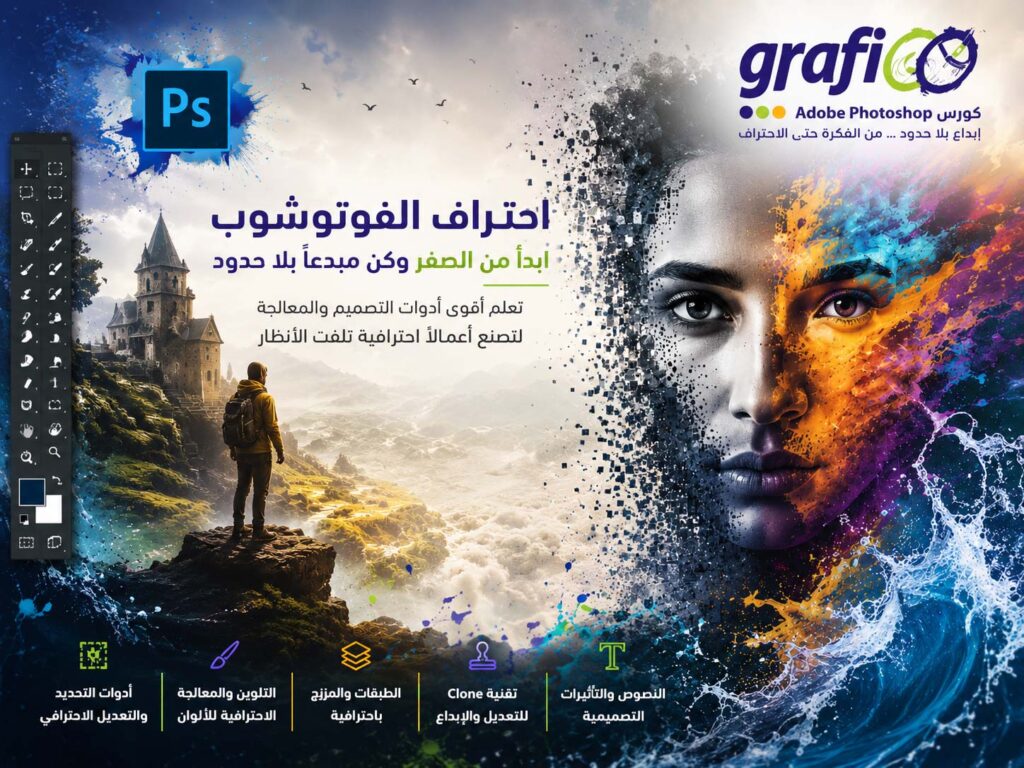
Description
Adobe photoshop CC 2026
Adobe Photoshop Essentials course will teach you Photoshop Retouching as well as Photoshop for graphic design.
What You Will learn
- You will create social media post images for Facebook, Instagram, Twitter.
- You will be able to mask anything… including the dreaded hair!
- Clearcut images.
- Create amazing typography.
- You will create popular visual styles.
- You will create distorted images.
- You will create graphics from scratch.
- You will retouch photographs like a professional.
- You will create a postcard.
- Create posters.
- Create advertising.
- Resize Images.
- Build a flyer.
- Change the color or images.
- Fix the colors in photographs
- You will change eye & hair colors.
- You will put a storm in a tea cup.
- You will create text that looks like stone.
- You will create text that wraps around a woman.
- You will build a multipage banner advertising project.
- You will create more background in an image from thin air.
- You will remove people from images.
- You will remove graffiti from a wall.
- You will clear cut images of people, shoes & other products.
- You will create realistic shadows
- You will create text the wraps around colored smoke.
- You will build duotone images like the Spotify effect
- You will create images with an anaglyph effect
- You’ll turn your images into realistic oil paintings
- You’ll know how to add halftone effects to your images.
- You will bend images to reveal background images.
- You retouch an overweight person to make the appear slim.
- You’ll build spray paint style graffiti using brushes.
- You’ll make a galaxy appear out of a mans head.
- Create paper cut effects inside of a font.
- Build text with 3D paint dripping from it.
- You’ll retouch a face to move pimples & freckles.
- You’ll remove dust & scratches from an old photograph.
- Change yellow teeth to white teeth.
Course Outlines
Layers
- How to Use Layers in Adobe Photoshop
- Basic navigation & how to combine images in Photoshop
Color & Adjustment Layers
- How to fix an image using levels in Photoshop CC
- How to enhance colors in Photoshop using vibrance
- How to change the color of something in Photoshop using Hue
- How to change just one color in Adobe Photoshop CC
- How to make an image black & white in Photoshop CC
- How to add a gradient to an image & text in Photoshop
- What are Adjustment Presets in Photoshop
Shapes
- Creating a specific sized document Adobe Photoshop CC
- How to draw star square circle shape in Photoshop CC
- Stealing Colors & Adobe Color Themes
Text
- How to create text in Adobe Photoshop CC
- How to warp text in Adobe Photoshop CC
- How to get text to follow a line or circle in Photoshop
Layer Styles
- How to add a line around the outside of type in Photoshop
- How to a bevel or emboss to text in Photoshop CC
- How to add a drop shadow to text in Photoshop CC
- Presenting your Photoshop work for your portfolio
Cropping
- How to crop an image in Adobe Photoshop CC
- How to crop an image for a frame in Adobe Photoshop CC
- How to straighten the horizon line using Photoshop CC
Selections & Masking
- How to copy from one image to another in Photoshop CC
- How to crop images inside of text
- How to remove the background in Adobe Photoshop CC
- Class Project – Quick Select Tool
- How to put text behind a person in Adobe Photoshop CC
- How to create a layer mask in Adobe Photoshop CC
- Class project – Cut a person out & put them into another image in Photoshop
- 31: Cut a person out of 1 image and place them into another image convincingly.
- How to blend fade one image into another in Photoshop CC
- How to weave text in and out of a Photoshop image
- 33: Weaving in & out
- How to select hair in Adobe Photoshop CC
- Class Project – Selecting hair
- How to select things with straight edges in Adobe Photoshop CC
- How to get text to interact with ink & plants in Photoshop CC
- Class Project – Text & Image Interaction
Filters
- How to add filters & effects in Adobe Photoshop
- How to turn an image into a painting in Adobe Photoshop
- Class Project – Oil Painting
- 41: Oil Painting
- How to create the Dotted Halftone Poster Effect in Photoshop
- Class exercise – Halftone
- How to fake realistic motion blur in Adobe Photoshop CC
- The Lens Flare right of passage in Adobe Photoshop
Smart Objects
- What is a smart object in Adobe Photoshop CC
Transform & Distort
- How to bend a logo onto an image realistically in Photoshop
- How to make a sky peeling like fabric revealing background in Photoshop
- Class Project – Peeling Sky
- How to shrink body parts in Adobe Photoshop CC using liquify
- How to create dripping paint text effect in Photoshop CC
- Class Project – Drippy Paint Text
Retouching
- How to remove red eye from photographs in Photoshop
- How to retouch skin in Adobe Photoshop CC
- Class Project – Retouching
- Enhancing eyes in Adobe Photoshop CC
- How to fix teeth in Adobe Photoshop CC
Blending Modes
- How to instantly remove the white background of a logo in Photoshop
- Using blending modes as color accents in Photoshop
- How to put images inside a bottle using Photoshop
- Class Project – Boat in a bottle
Visual Styles
- How to create the spotify Duotone effect in adobe Photoshop
- Class Project – Duotones
- Duotones
- How to create the 3D glasses Anaglyph effect in Adobe Photoshop
- Class Project – Anaglyph Effect
- How to create a vintage instagram Matte Photo in Photoshop
- Class Project – Vintage Matte Photo
- 69: Vintage Matte Photo
- How to create the paper cut effect in Adobe Photoshop CC
- Class Project – Paper Cut Effect
Artboards
- How to use an Artboard in Adobe Photoshop CC
Color modes & Resolution2 lectures • 18min
- What is the difference between RGB and CMYK in Adobe Photoshop CC
- How do you change the resolution to 300dpi in Photoshop CC
Brushes
- Basic introduction to using a wacom tablet with Photoshop
- How to create splatter paint effects in Adobe Photoshop CC
- How to create dripping paint ink effect in Photoshop
- Class Project – Dripping Paint Brush
- How to create smoke with an image inside it using Photoshop CC
- Class Project – Smoke effect
Shadows
- How to make a Long vector hard shadow in Photoshop
- How to cast a realistic shadow on the ground in Photoshop
- Bending or curved shadow under an image in Photoshop
Register
Review
Login to Write Your ReviewThere are no reviews yet.